開啟 Google Forms Timer™️ 插件
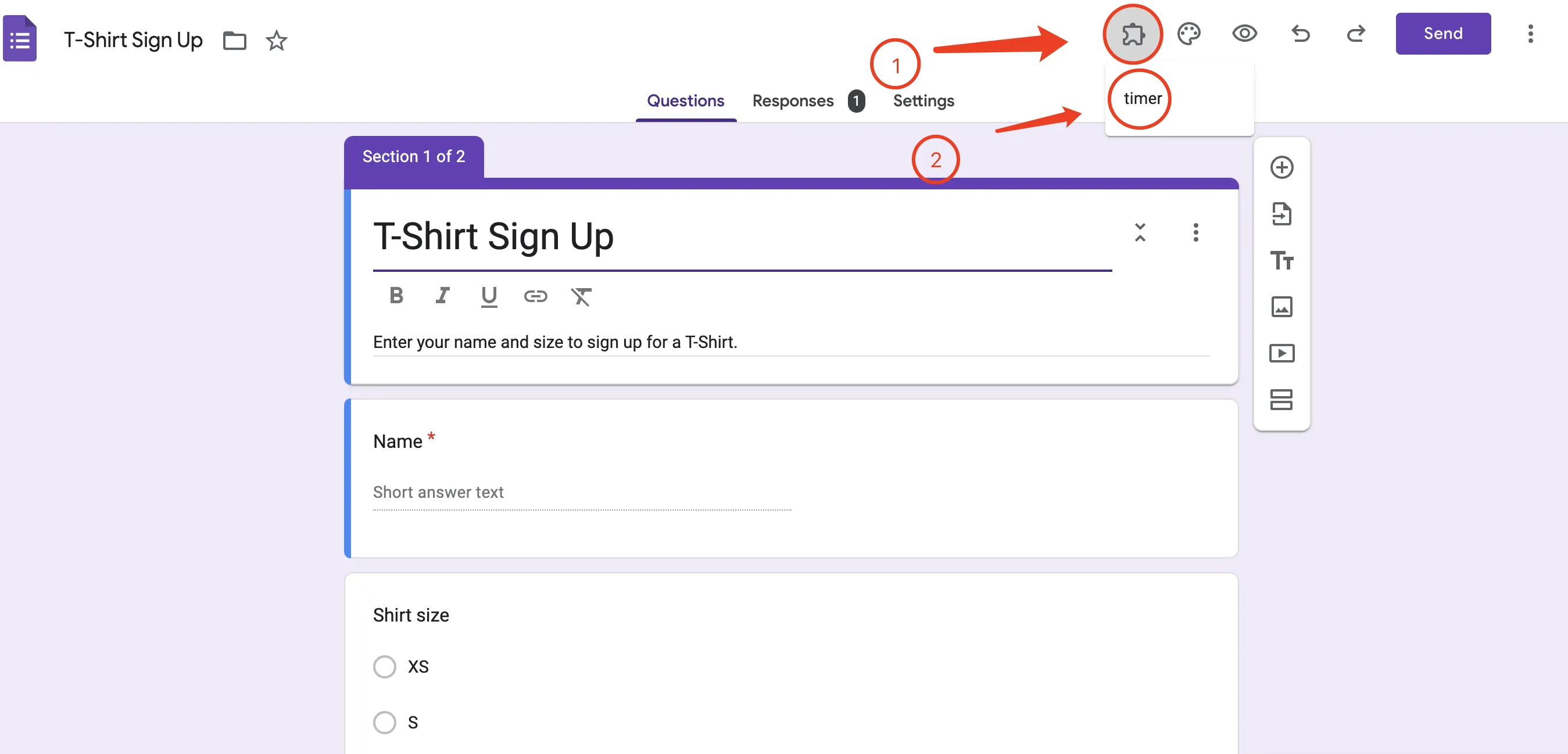
步驟 1:點擊插件按鈕
步驟 2:點擊 Google Forms Timer
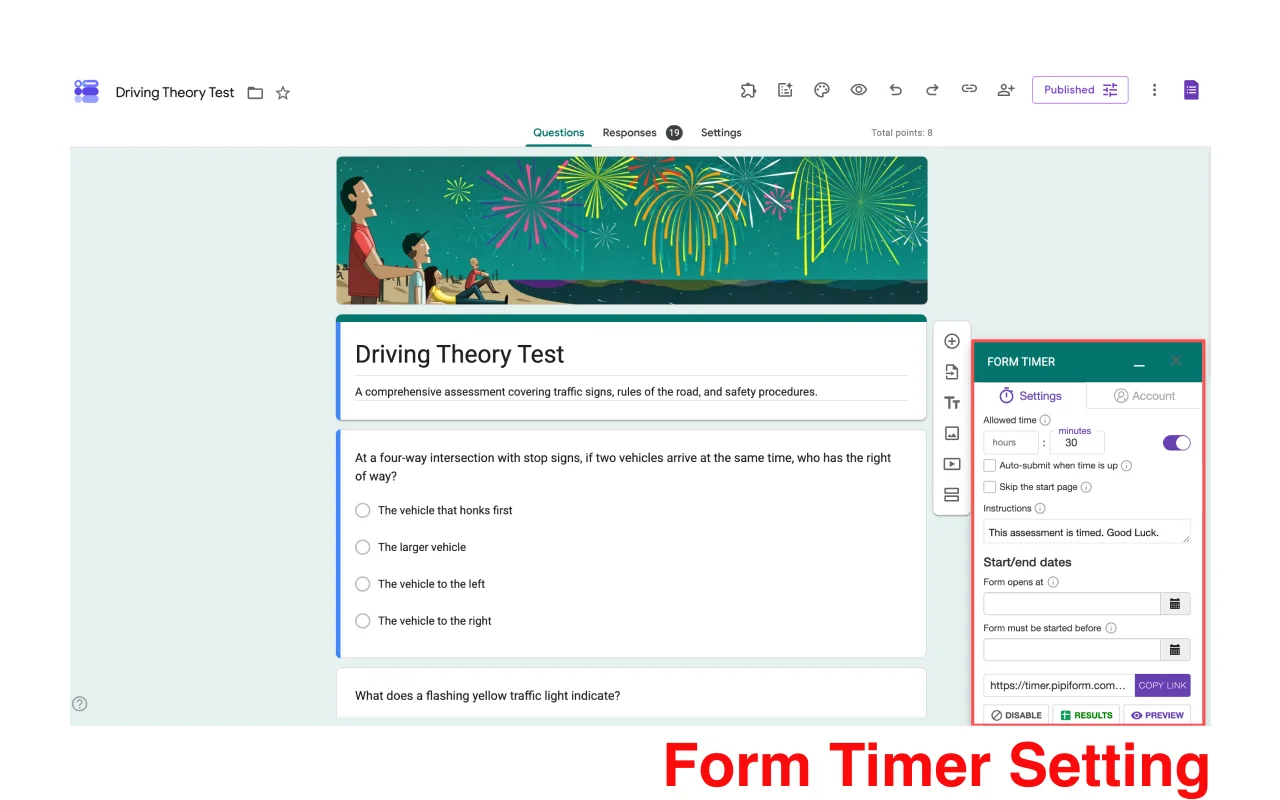
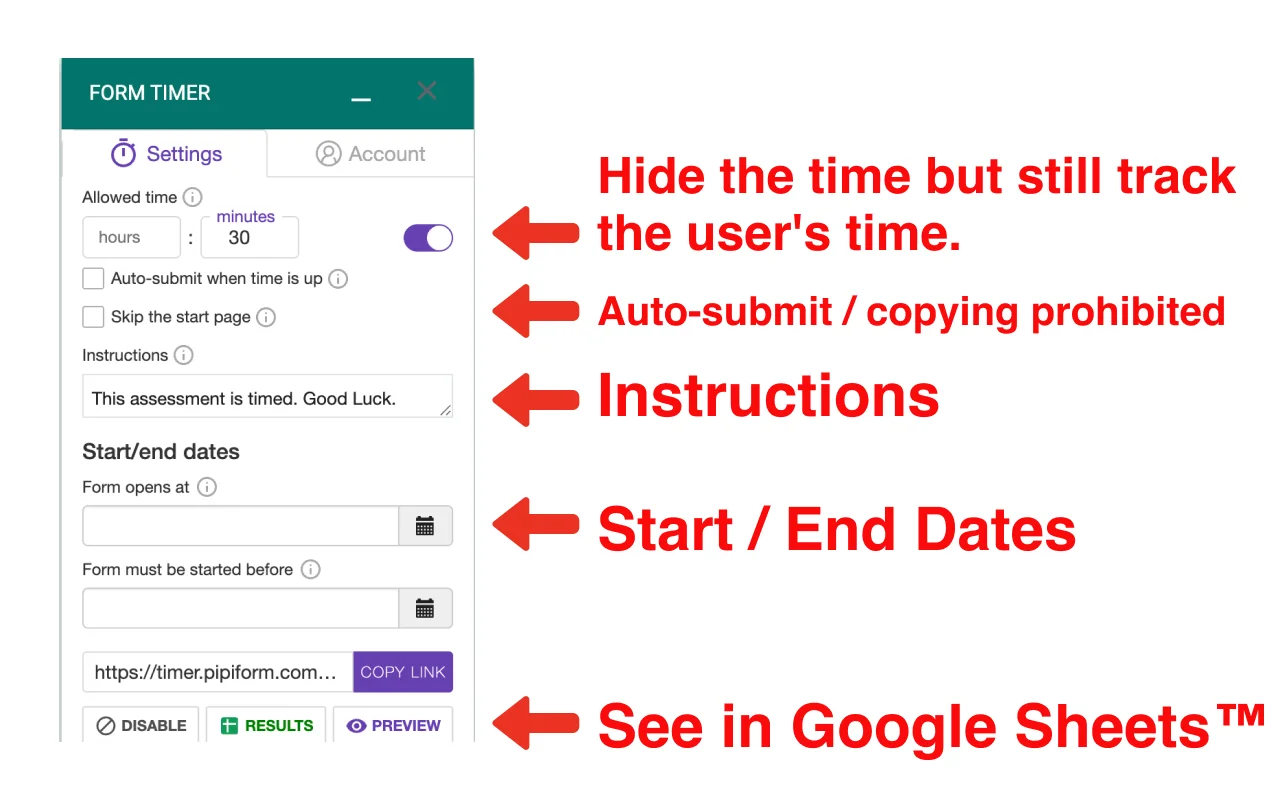
這是表單計時器的使用者介面
點擊按鈕以設定計時器
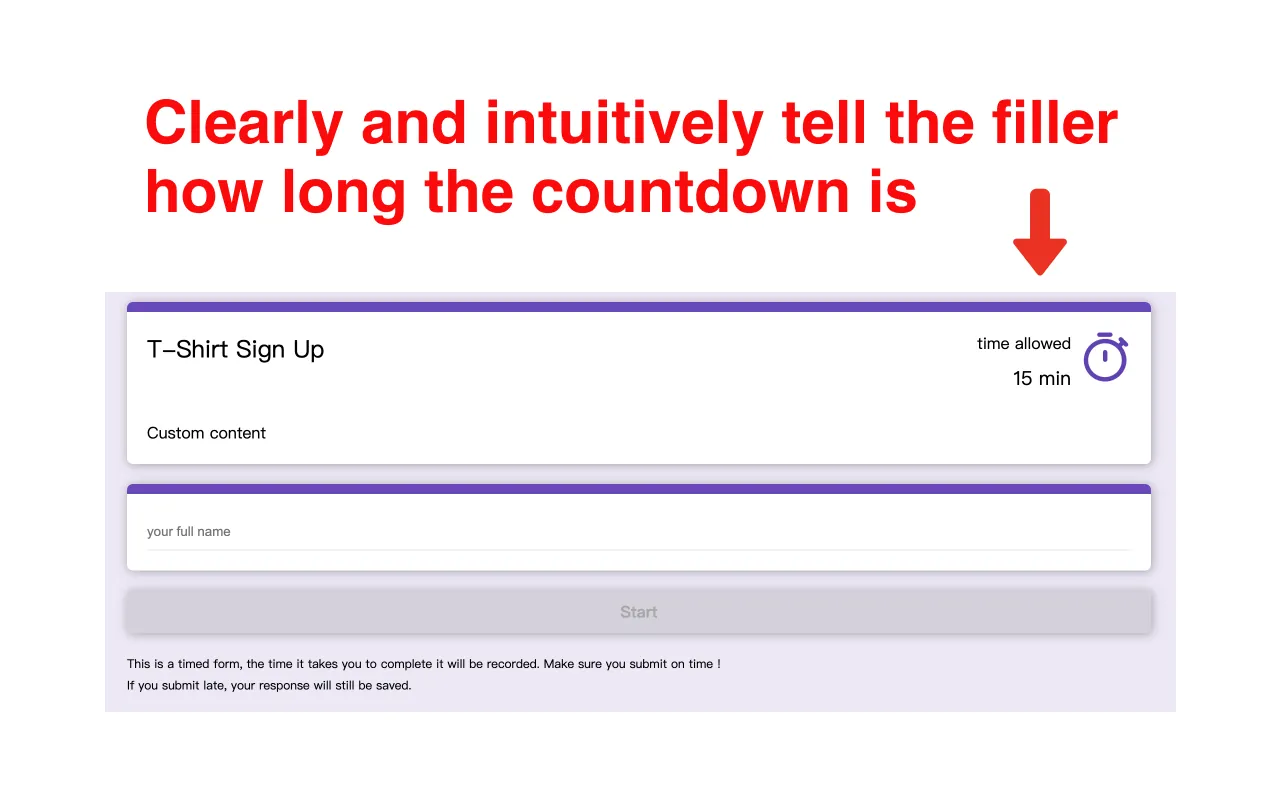
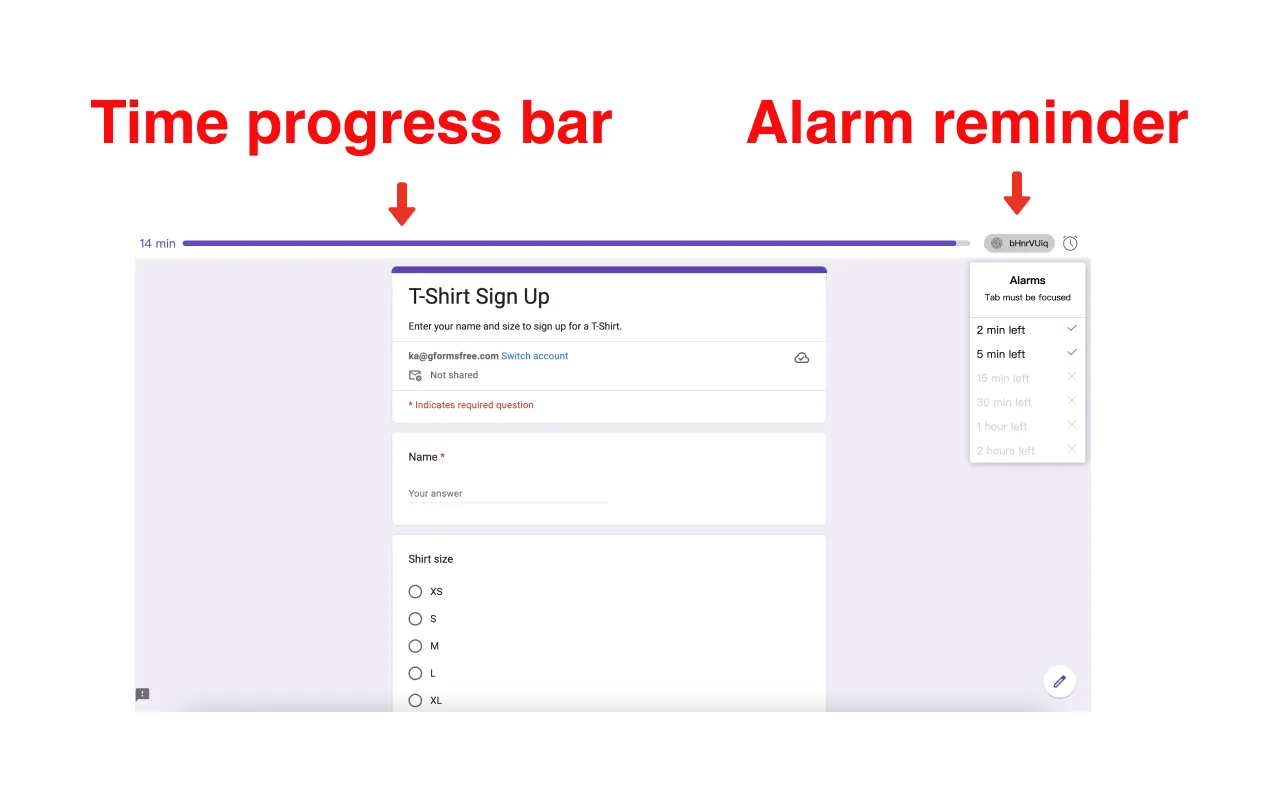
預覽介面
直觀且清晰
記錄時間
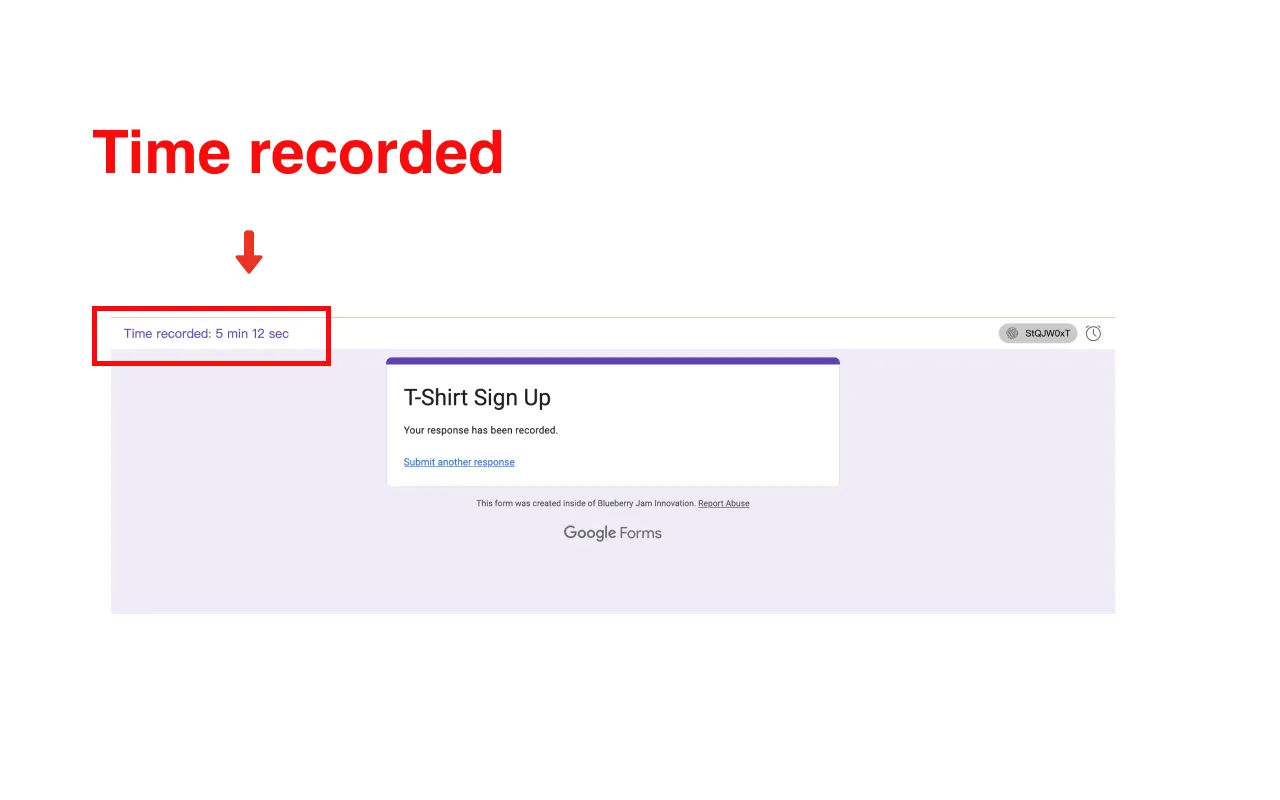
填寫者可以看到自己花了多長時間填寫表單
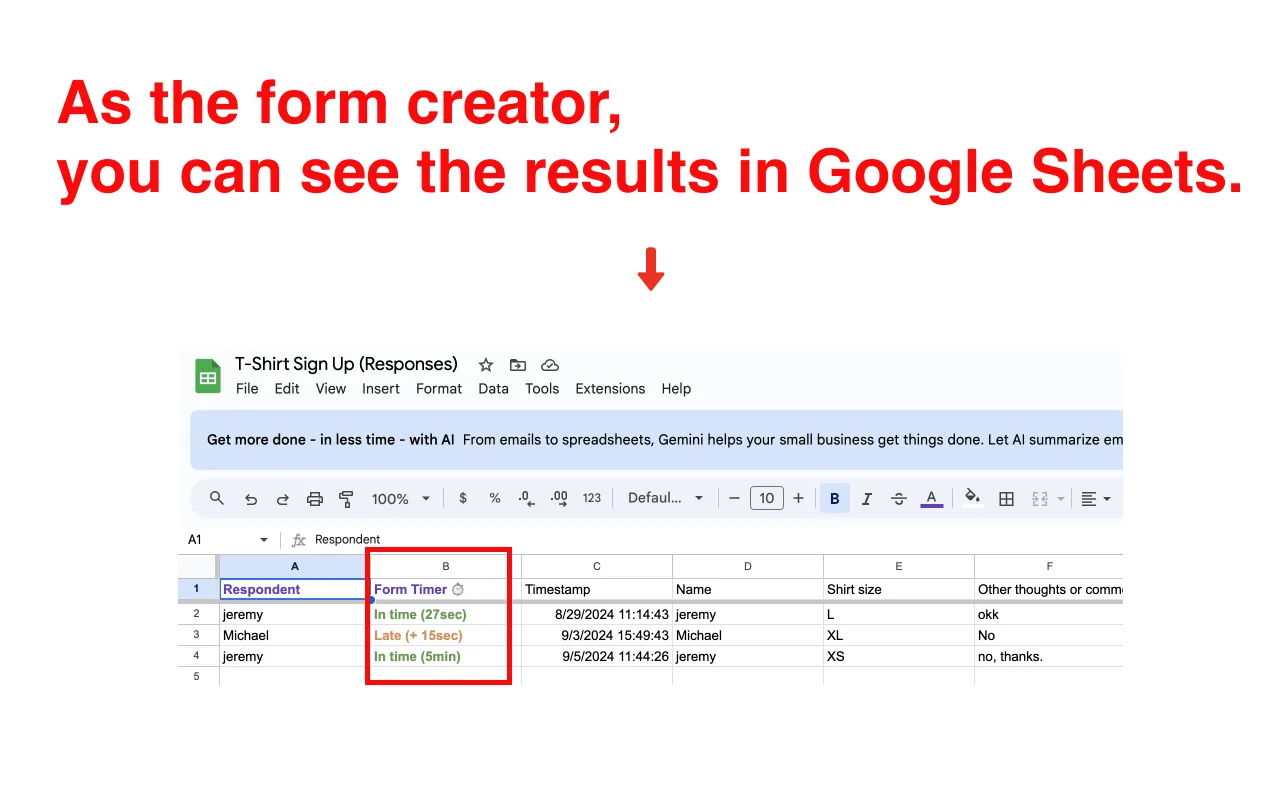
表單建立者可以在 Google Sheets 中檢視資料
自動且高效