Google 表单邮件通知插件

Google Forms 通知管理

使用此插件,您可以通过电子邮件、Webhook、Slack、SMS、Push 通知、Discord 和 Google Chat 设置 Google Forms 的通知!提供 7 种不同通知服务!
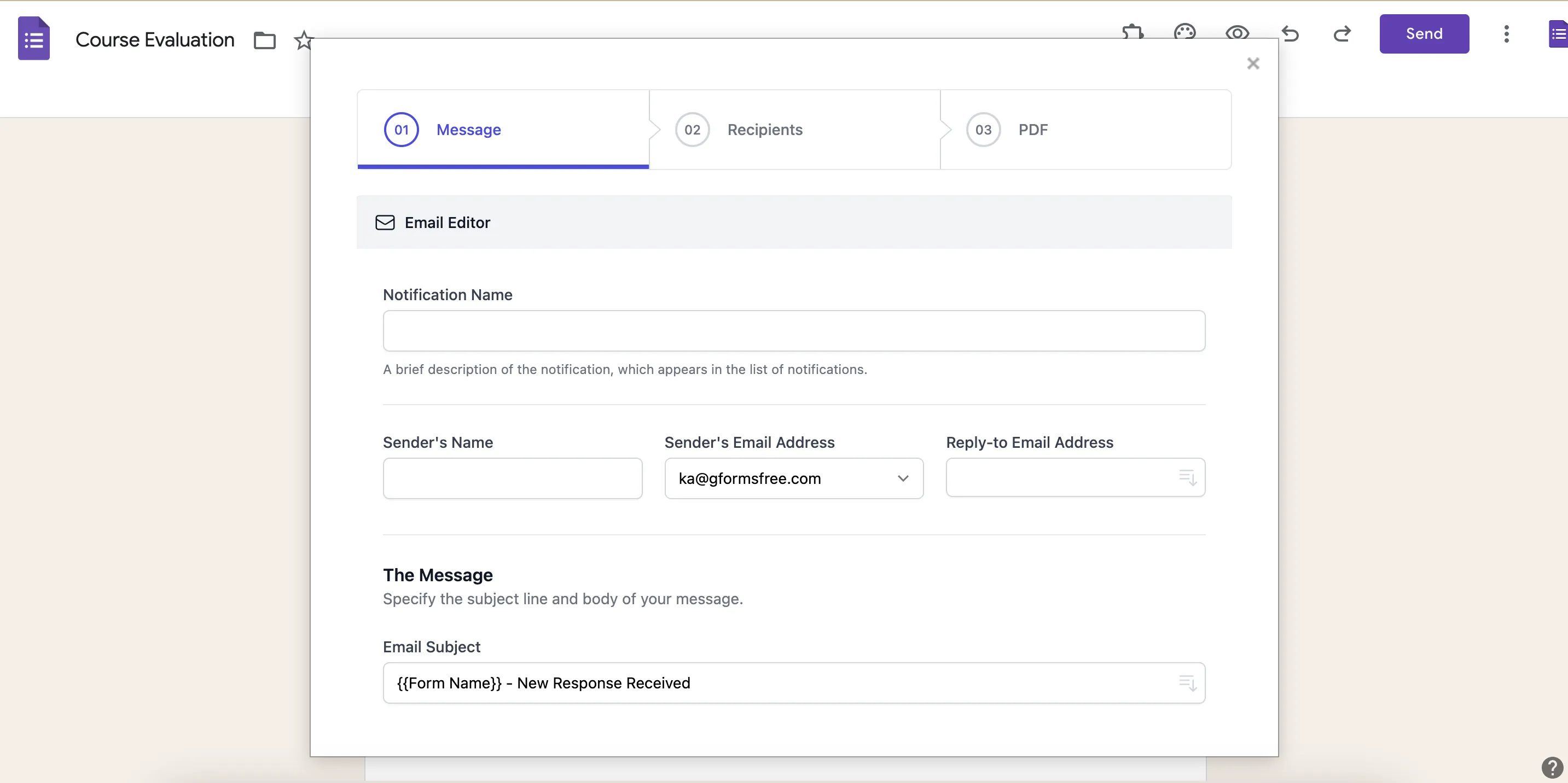
Email Notifications for Google Forms - 通知插件主界面,支持多种集成方式

立即安装

定价 →

设置您的 Google Forms 通知

步骤 1:点击 "插件"

步骤 2:选择 "Google Forms 通知"
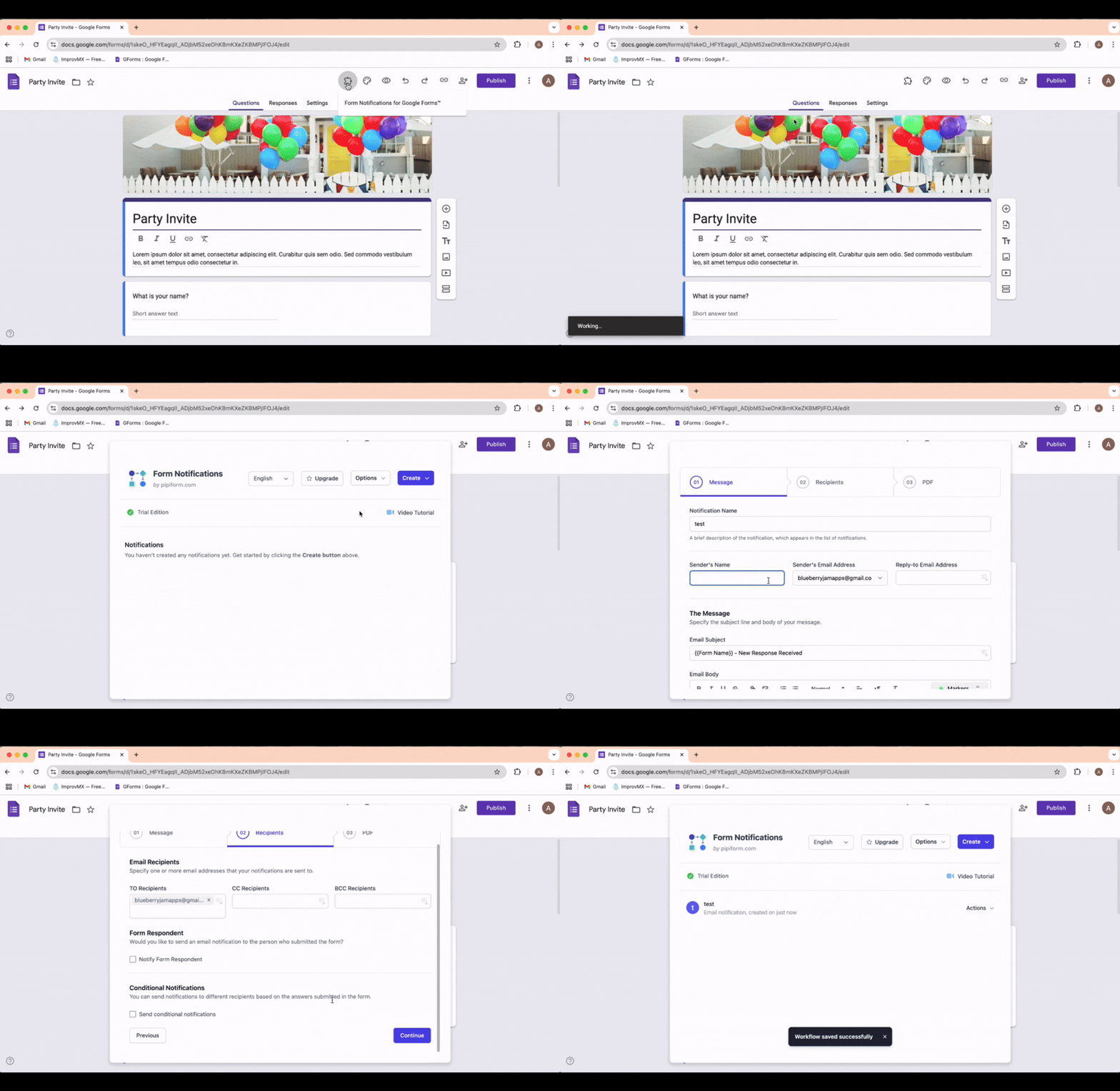
Email Notifications for Google Forms - 从 Google Forms 插件菜单中选择的流程

这是您的通知设置

使用 "Google Forms 通知" 插件,您可以在提交表单时自动发送电子邮件通知。

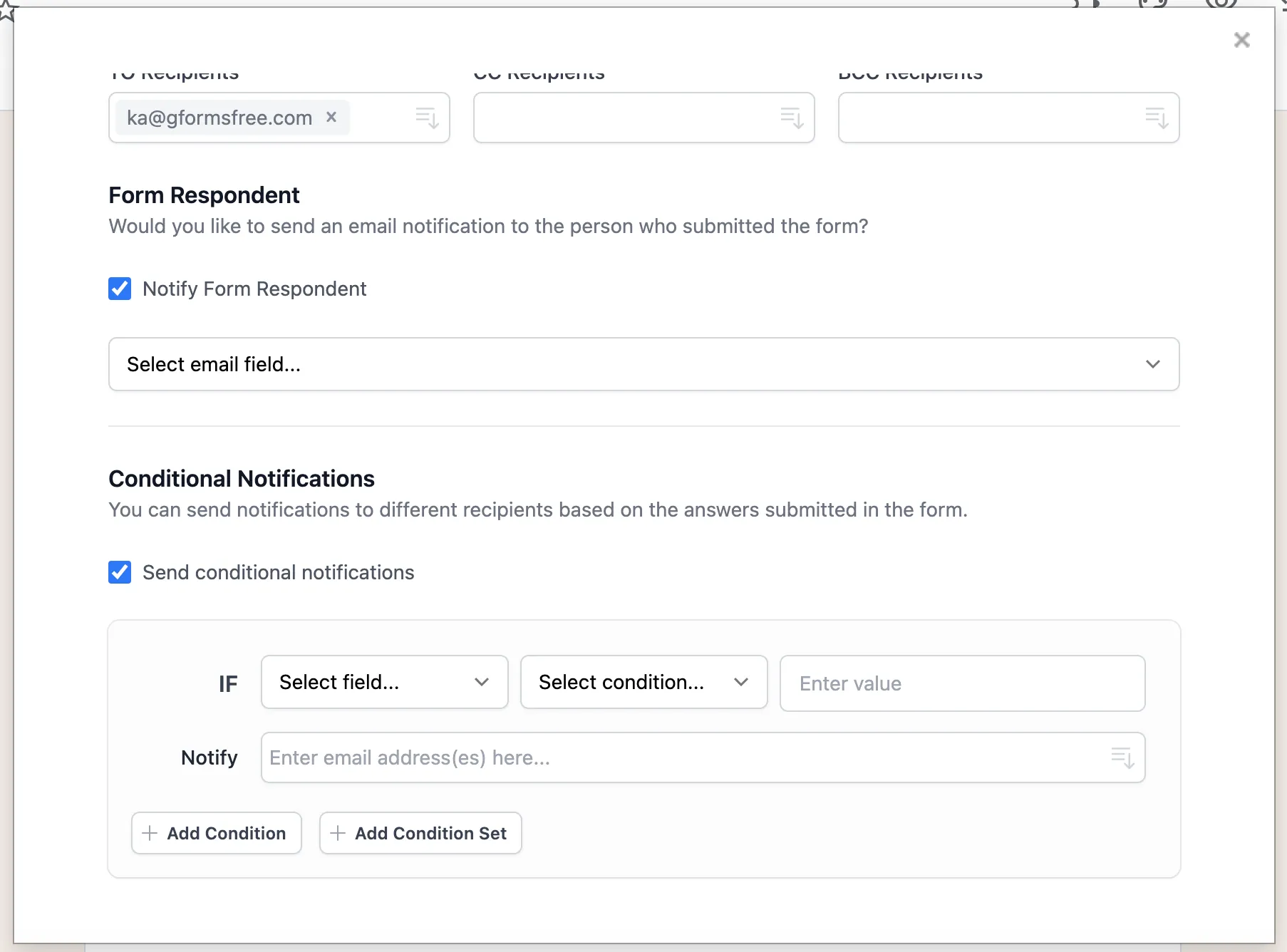
您可以通知参与者或团队成员他们何时完成表单并根据表单中的答案创建通知规则。

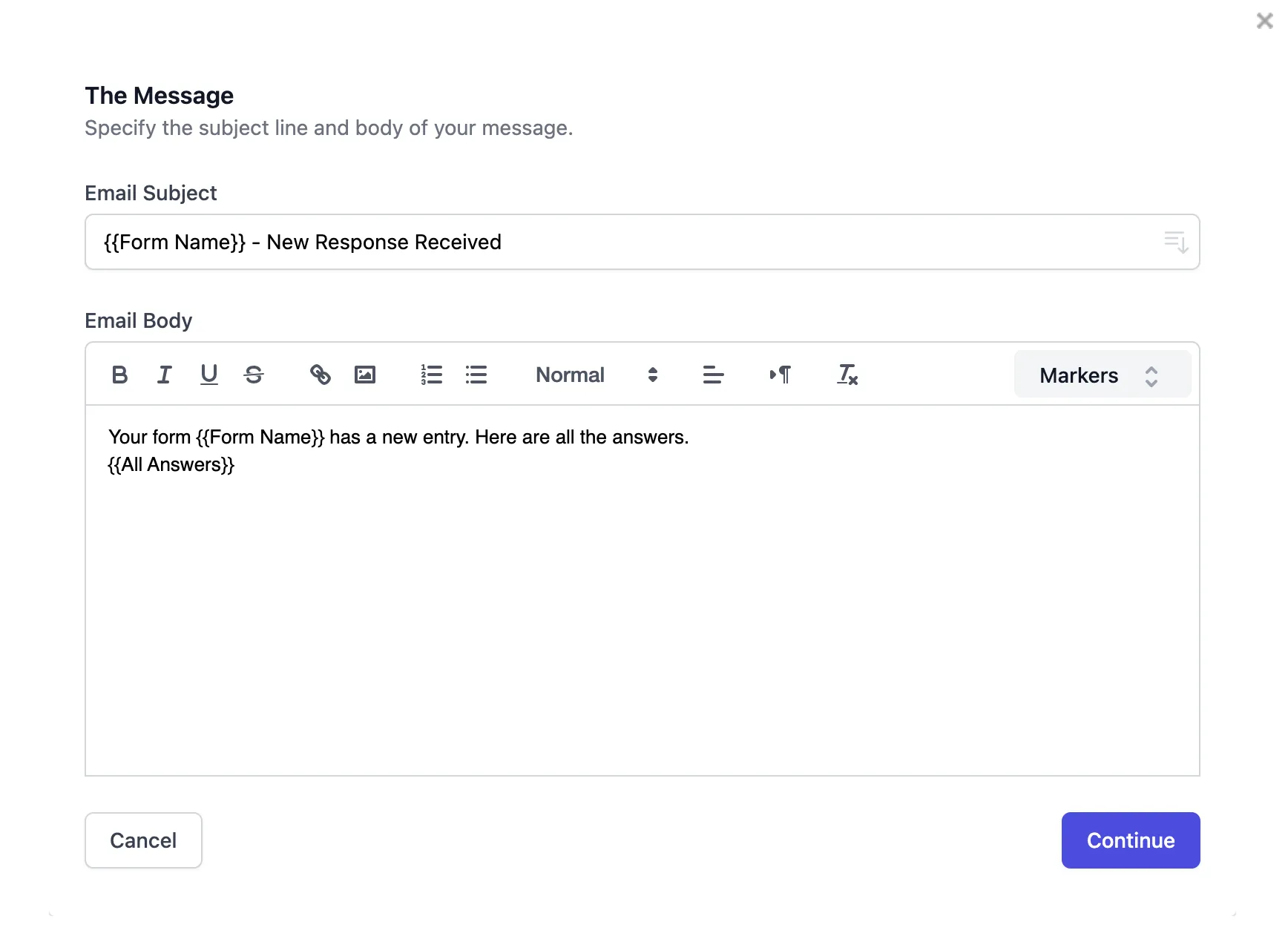
您还可以使用表单字段名称和答案自定义电子邮件内容(例如:{{form field name}})。您可以发送带有专业 HTML 内容的电子邮件。
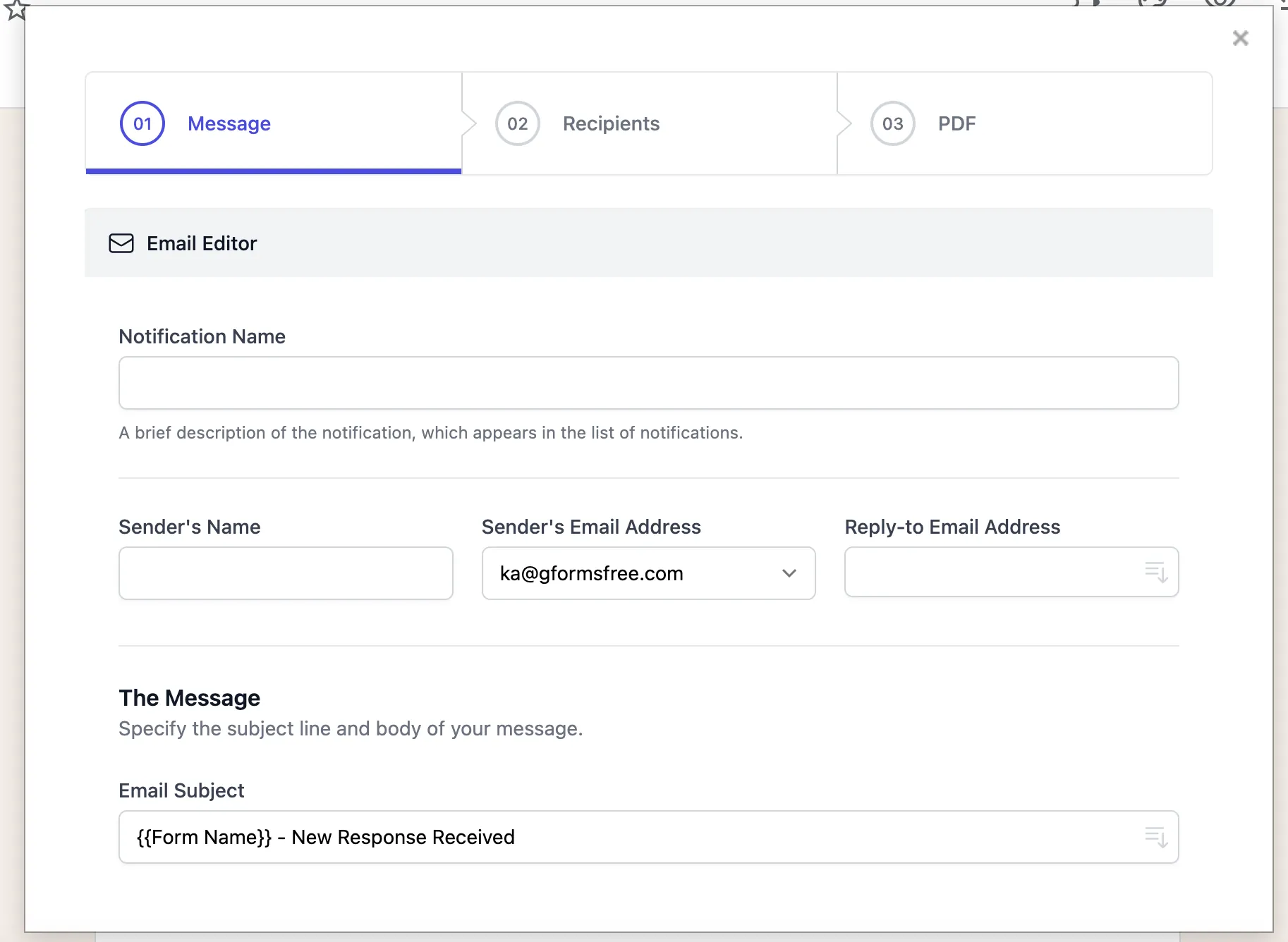
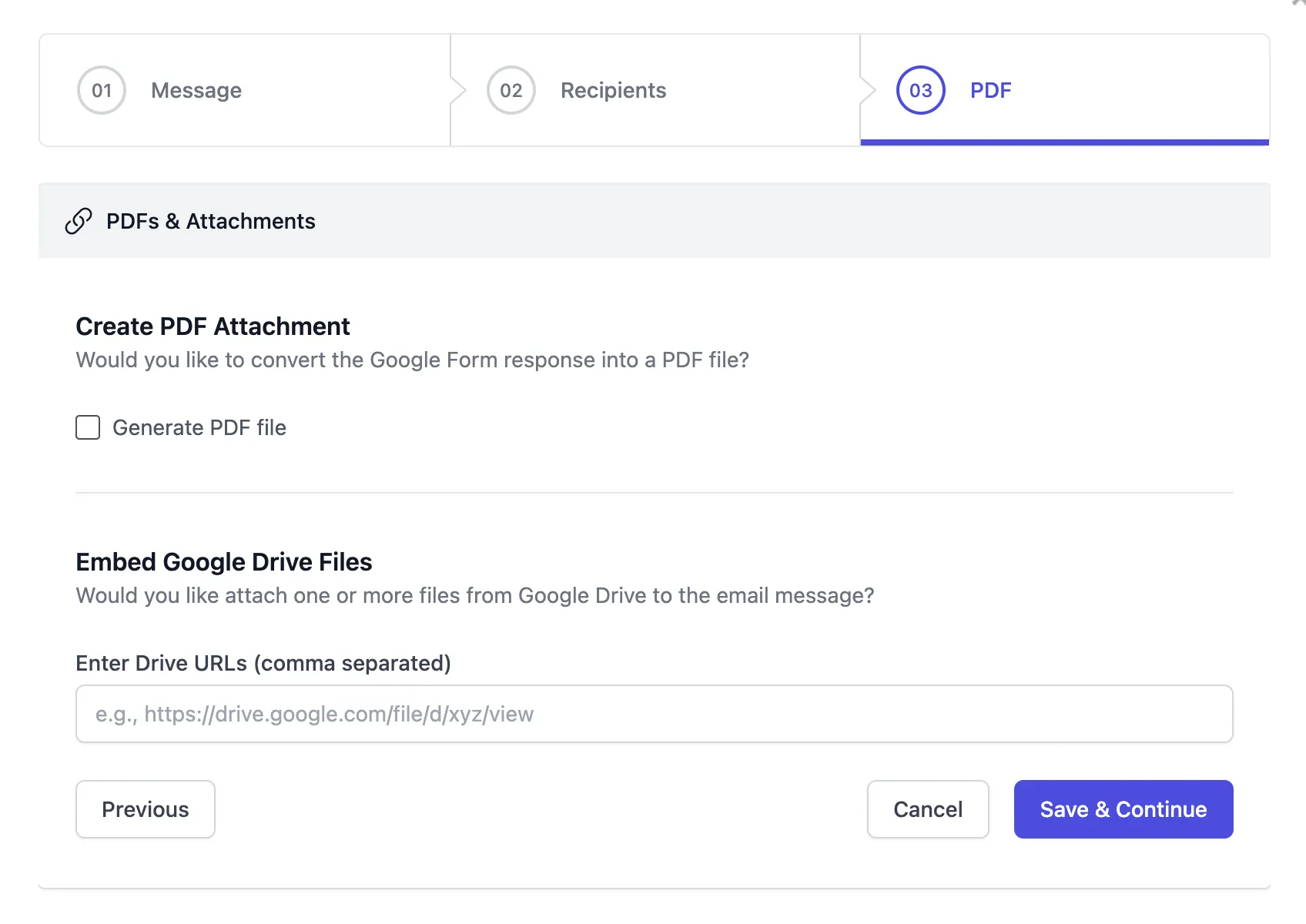
Email Notifications for Google Forms - 自定义通知设置的配置界面 Email Notifications for Google Forms - 邮件模板自定义界面,支持插入表单字段 Email Notifications for Google Forms - 通知规则与条件设置面板 Email Notifications for Google Forms - 收件人配置与 Webhook 集成选项

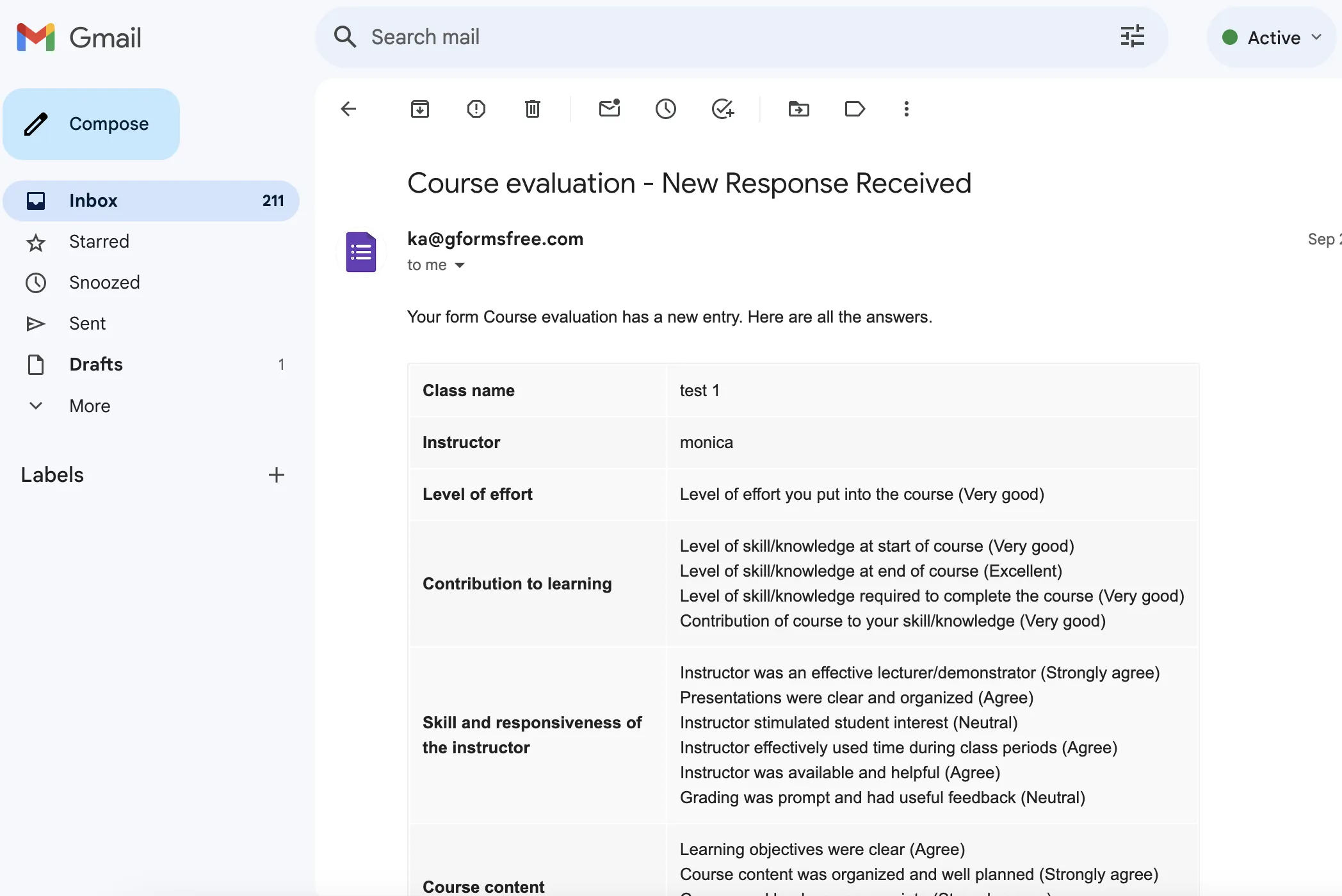
表单创建者可以通过 Gmail™️ 查看反馈

自动、高效、专业

Email Notifications for Google Forms - 表单回复在 Gmail 中的精美排版展示